CCTV for home and business: camera types and what drives the price
IP vs analog cameras, resolution, lens and field of view, night vision, NVR vs DVR and storage. A practical guide to choosing the right CCTV system and what determines its price.
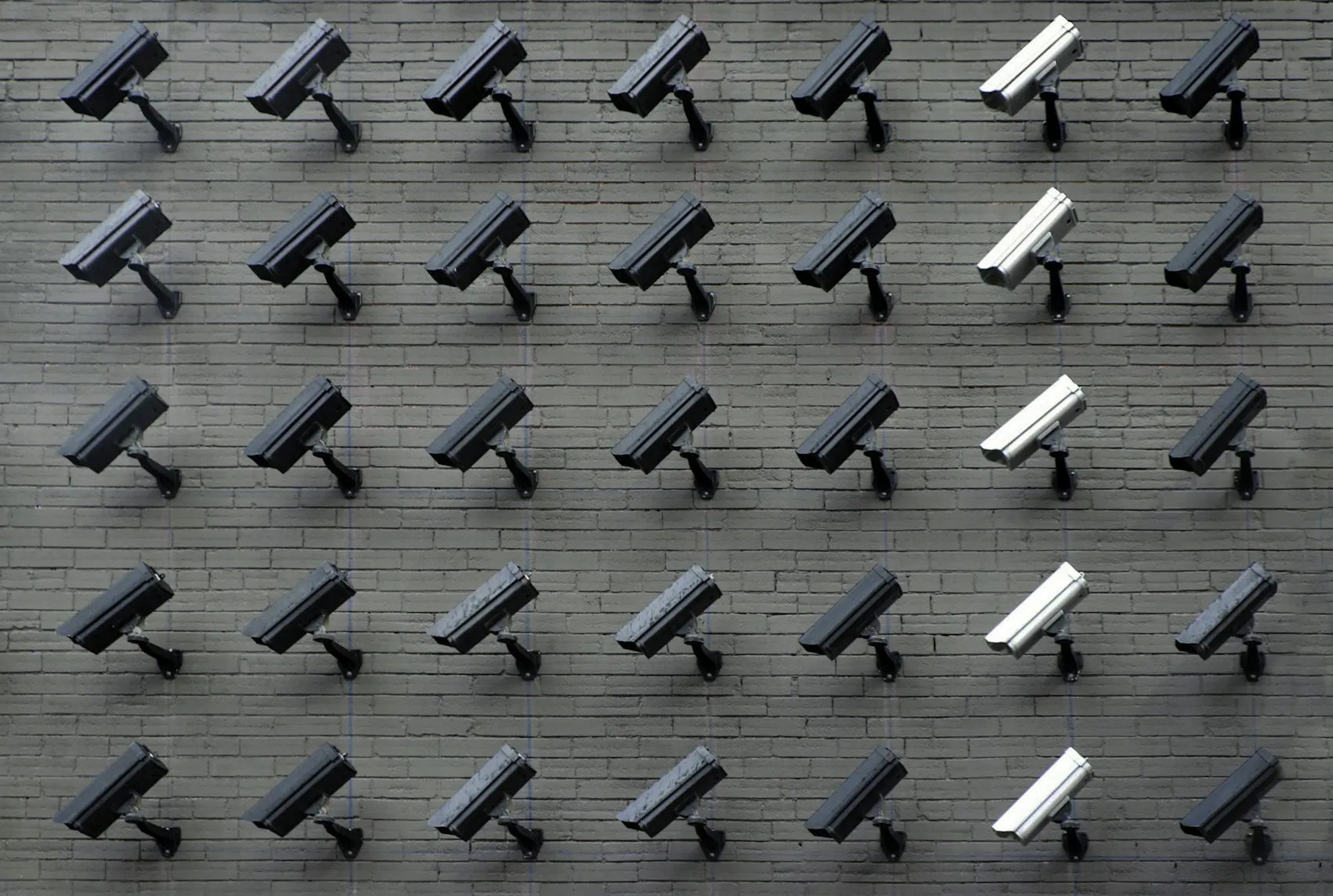
A good CCTV system isn’t a matter of “the more cameras, the better”. It’s about the right cameras, placed in the right spots, with a resolution and lens that do the job exactly where it matters. One well-aimed camera is often worth more than five hung at random.
In this guide we walk through the main decisions you’ll need to make: what type of camera, IP or analog technology, what resolution, how night vision works, where and for how long footage is kept, and finally which factors actually determine the price. The goal is for you to walk into a conversation with an installer prepared, rather than being sold a package that doesn’t fit the site.
Camera types and what they are for
A camera’s housing isn’t just aesthetics. Its shape hints at what it was built for and where it mounts best.
- Dome cameras. Discreet, with a hemispherical housing that hides which way the lens is pointed. Suited to interiors, offices, shops and common areas where you want surveillance without a dominant visual presence.
- Bullet cameras. Elongated and visible from a distance, which itself has a deterrent effect. Strong for outdoor mounting and surveillance over longer distances: yards, car parks, perimeters.
- Turret cameras, sometimes called “eyeball” cameras. Close cousins of the dome, but without the outer glass dome. That reduces glare from infrared illumination at night, and they’re easier to clean. For many outdoor scenarios they’re the better choice over a classic dome.
- PTZ cameras (pan, tilt, zoom). They rotate, tilt and zoom remotely or automatically track movement. They make sense for large areas that someone is actively watching: warehouses, industrial yards, car parks.
For most homes and smaller sites, a combination of a few well-positioned turret and bullet cameras covers the need without unnecessary complexity.
IP vs analog cameras
This is the core technology choice, and today the market is decisively leaning toward IP.
IP cameras carry the signal over a network cable and offer higher resolution, more flexible cabling and convenient remote access. They often run over PoE, meaning a single cable carries both power and data, which simplifies installation. The system also scales easily: add a camera, add a port.
Analog cameras are cheaper up front and send the image over coaxial cable to a recording device. They do the job for simple scenarios, but they’re limited in resolution and features and are harder to upgrade.
In short: if you’re building from scratch or thinking of the system as a long-term investment, IP is almost always the wiser path. Analog mainly has a place when upgrading existing cabling where budget is the priority.
Resolution, lens and field of view
Resolution is measured in megapixels: popular options are 2MP (Full HD), 4MP and 4K. Higher resolution gives more detail, but on its own it doesn’t guarantee a useful picture. What matters is the combination of resolution, lens and distance to the scene.
That’s where the lens’s focal length comes in:
- Wide-angle lenses cover a large area, but detail at distance drops off. Suited to general oversight: a whole room, a yard, an entrance.
- Narrow-angle lenses zoom in and deliver detail at a specific point from a distance, for example a face at a particular door or a license plate at an exit.
There’s a real difference between simply seeing that something is happening and being able to recognize a person or identify a license plate. For a recognizable face or a readable plate, the subject needs to occupy enough pixels in the frame, which depends jointly on resolution, lens and distance. That’s why the design goal is a recognizable picture at the zones that genuinely matter: entrances, tills, car parks, loading docks.
How to think about placement
Before counting cameras, think about tasks. What exactly do you want to capture at each point: faces at the entrance, overall coverage of the sales floor, license plates at the barrier? One camera does one core job well. Trying to cover everything with the minimum number of devices usually ends up with footage where “something is visible” but nothing holds up as evidence.
Night vision
A large share of incidents happen after dark, so nighttime performance isn’t an extra, it’s a basic requirement. Cameras with infrared illumination give a clear black-and-white image even in complete darkness, up to a certain distance depending on the model.
Where color matters at night (a shopfront, a lit car park), cameras with more sensitive sensors and a color night-vision mode make sense. For outdoor mounting, turret housings have an advantage, since they reduce internal glare from the infrared LEDs that would otherwise “blind” the camera’s own image.
Recording and storage: NVR vs DVR
The recording device is the heart of the system and often its most underrated part.
- NVR (Network Video Recorder) works with IP cameras over the network. This is the standard for modern systems.
- DVR (Digital Video Recorder) works with analog or HD-over-coax cameras over coaxial cable.
It’s worth understanding that an NVR and a DVR aren’t cameras, they’re recording devices. Your choice of recorder goes hand in hand with the type of camera you pick.
How long you keep the archive is a key decision. Higher resolution, more cameras, a higher frame rate and continuous recording instead of motion-triggered recording all increase the storage you need. A scene with a lot of movement and changing light also “weighs” more than a quiet corridor. For a home, a few days to a few weeks of archive is often enough, while a business usually wants a longer period to allow time to review and investigate incidents. The longer the desired period and the higher the resolution, the more disk space, and budget, you’ll need.
Remote access
Modern systems let you watch live and review recordings from your phone or computer, wherever you are. For a home that means peace of mind while you’re at work or on holiday. For a business it means the manager can check the site anytime, get a notification for after-hours motion, and quickly find the footage they need instead of reviewing hours of video.
This is also where the security of the system itself comes in: access needs to be protected with strong passwords and a correctly configured network, so your camera doesn’t turn into someone else’s window into your home or office.
What drives the price
There’s no universal price for CCTV, because every site is different. Here are the factors that actually determine it:
- Number and type of cameras. PTZ and specialized models cost more than standard turret or dome units.
- Resolution and equipment quality. 4K and low-light sensors cost more than basic 2MP options.
- Lens and range. Cameras for specific tasks (plates, faces at distance) need the right optics.
- Recording volume and retention. A longer archive and more channels mean larger, more reliable storage.
- Cabling and installation complexity. Route length, building type, outdoor conditions, need for extra power.
- Remote access and security settings. Network configuration, protection and maintenance.
That’s exactly why we don’t publish a fixed price list. A realistic quote can only be given after a site survey, once it’s clear what actually needs covering and how.
Alarm system or CCTV?
The two systems don’t compete, they complement each other. CCTV documents and provides evidence of what happened, while an alarm system notifies in real time and deters. In a separate article we compare alarm system or CCTV and when each is needed, so you don’t end up paying for a function you won’t use.
In short
Start from the question “what do I want to capture, and where”, not from the number of cameras. Choose IP technology if you’re building for the long term, match resolution and lens to each point’s job, don’t skimp on night vision or the recording device, and think ahead about how long an archive you’ll need. That way the system will actually protect your site, not just look good on paper.
Want a system built specifically for your home or business? Take a look at our Video surveillance service and request a free site visit. We’ll survey the site, propose a working solution, and give you a clear quote with no surprises.
Related service
CCTV / video surveillance